Webcam or phone camera: which one hits its limit first
 RUTH WILLIAMS·5 min read·May 25, 2026
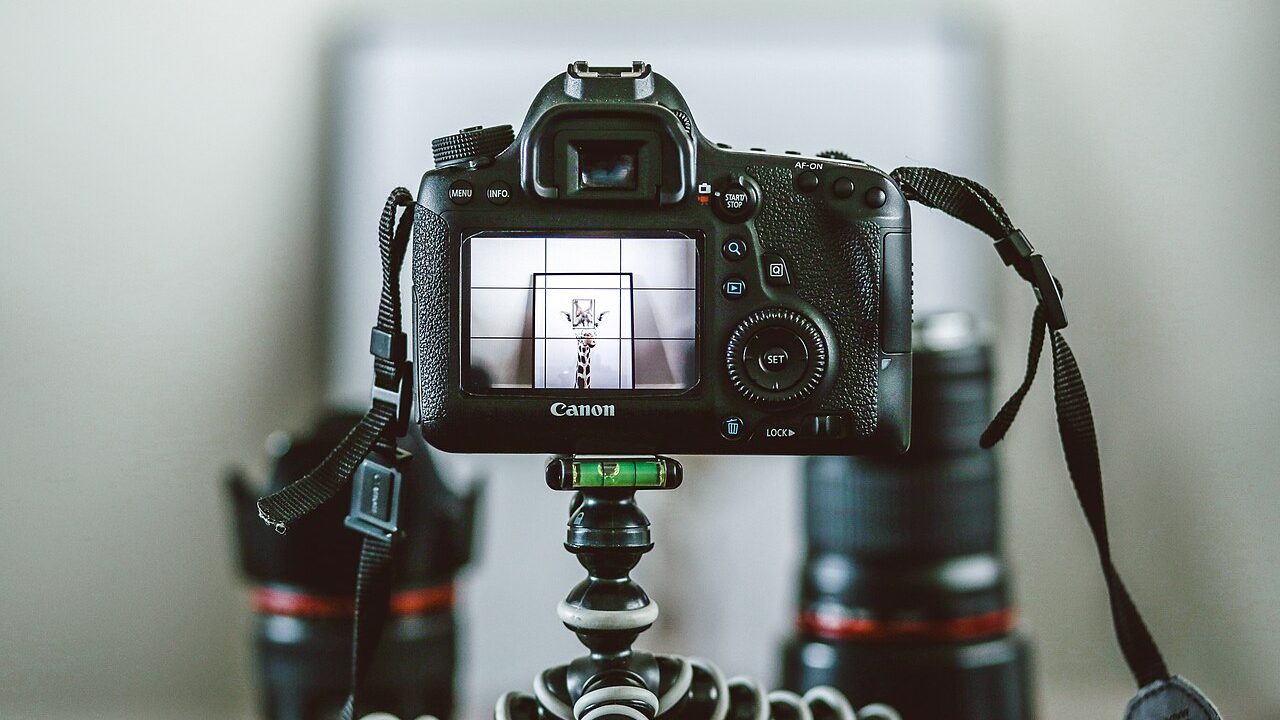
A laptop webcam hits its limit in bad light long before a phone does, and most rooms are badly lit. The phone’s advantage is mostly the sensor.
The comparison he set up
Tomas put his phone on a shelf bracket at eye height and ran it beside the laptop camera for a week. Both fed the same meeting software, one after the other.
He used the same chair, the same window and the same nine o’clock call. Only the camera changed, which made the comparison honest for once.
The laptop was three years old and the phone was two. Neither was new, so the gap was not simply a matter of generation.
What the webcam sensor cannot do
The laptop sensor is small, perhaps a fifth the area of the phone’s, and it gathers correspondingly less light. In a dim room it raises gain and the image turns to mush.
Noise reduction then smears skin until faces look painted. This is the texture most people recognise as a bad webcam without being able to name it.
Tomas’s afternoon calls happen after the sun leaves the window. Those were the calls where the laptop failed and the phone did not.
What the phone does with the same light
The phone’s larger sensor holds colour in the shadows instead of turning them grey. Skin keeps its variation, and the background stops looking like a flat card.
It also processes aggressively, which is a mixed gift. Edges are sharpened and faces are smoothed before the image ever reaches the meeting.
In Tomas’s dim room that processing was worth having, because the alternative was not a neutral image but an unusable one at all.
Where the lens in a laptop fails
The laptop lens sits in the bezel, below the screen and slightly off centre. That angle looks up the nose and flattens the forehead, which nobody enjoys seeing.
It is also a wide lens, so the room behind expands and the face shrinks. The effect is a person sitting at the end of a corridor.
A phone on a shelf can be raised to eye level, which fixes the angle. The wide lens remains, and it is the harder problem of the two.
Mounting a phone at eye height
Tomas used a bracket screwed into a shelf above the monitor, angled down ten degrees. The phone sat 70 cm from his face, roughly where a person would sit.
The first bracket was a clamp, which slowly slid down the shelf under the phone’s weight. He replaced it with a fixed plate and stopped adjusting it weekly.
Height matters more than distance here. Ten centimetres of height changed the frame more than moving the phone half a metre closer.
The software problem with phones
A phone is not a webcam, and the meeting software knows it. Some platforms accept it as a camera; others require a virtual driver in between.
The driver adds a layer that can drop frames or introduce a delay. Tomas measured about 200 ms of lip-sync error on the first attempt.
He fixed it by closing other applications during calls. The fix works and it is fragile, which is the honest description of most phone-as-webcam setups.
Heat, battery and the long call
A phone used as a camera for three hours gets hot and drains quickly. Tomas’s handset lost about half its charge during a morning of back-to-back meetings.
He kept it plugged in, which added heat and made the battery warning appear sooner. The device was doing two jobs at once and doing neither well.
A webcam draws its power from the laptop and never asks to be charged. That single difference decided the arrangement for his long days.
When the webcam is enough
In a bright room the laptop camera is fine, and the phone adds little. Tomas’s morning calls face the window, and there the gap nearly vanished.
The limit is light, not resolution. A 720p sensor with enough light beats a 4K sensor in a dim corner, which is why specifications mislead buyers.
He now uses the webcam before noon and the phone after. The rule costs him nothing and removes the decision from every call.
The desk space the phone costs
A phone on a bracket occupies air above the monitor, which is usually free. The cable, however, crosses the desk and finds every mug.
Tomas routed it behind the monitor and down the back edge. That took a longer cable and one sticky clip, and it stopped the interruptions.
The phone also needs to be picked up when it rings, which breaks the mount angle. He learned to leave it in place and answer elsewhere.
Field of view and background
The phone’s wide lens shows more of the room than the laptop’s, which is not always kind. Tomas’s spare room has a drying rack and a stack of boxes.
He cropped the frame in software, which threw away resolution and brought back some noise. The trade was a tidier background for a slightly softer face.
A narrower lens would have solved it optically. Phones rarely offer one at the front, so cropping is the only practical answer.
The upgrade that outlasts both
Neither camera fixed the room, and the room is what both were recording. Tomas added a lamp behind the monitor and the laptop improved immediately.
The phone improved too, by less, because it had less to gain. Money spent on light outlasted both devices, which were replaced within two years.
This is the pattern with most camera upgrades. The device is replaced and the light stays, so the light is the better purchase.
What he uses now, and why
He kept the phone mount and bought nothing else. The laptop handles mornings, and the phone covers the dark half of the year.
The limit arrived at the sensor first, then at the software, and never at the resolution. That order surprised him, because the specifications suggested otherwise.
His next purchase will be a second lamp rather than a camera. The camera he has is already better than the room it sits in.
If the sensor runs out first, and the room has already run out before it, which one are you actually shopping for?