USB microphone or audio interface: which one you outgrow
 RUTH WILLIAMS·5 min read·October 19, 2026
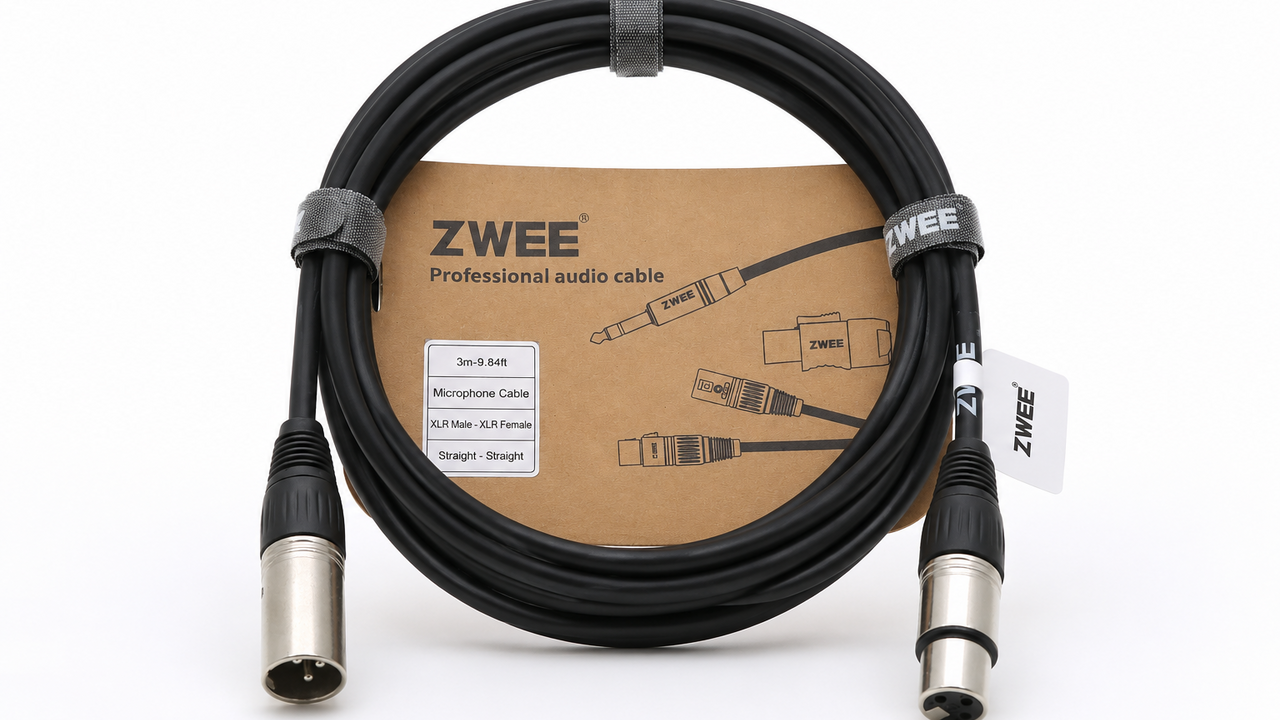
A USB microphone fails as a whole unit, while an interface fails one channel at a time. That difference decides which one you keep for a decade.
The two boxes on his desk
Sam bought a USB microphone in his first month of remote work, because it was one cable and no decisions. Two years later it sat beside an interface and an XLR microphone.
Both setups still worked, which was the surprising part of the comparison. The USB unit had not broken at all; it had simply run out of adjustments.
The reason to change was not failure but a growing list of things he could not do. That list is worth examining closely.
What the USB microphone contains
Inside the tube there is a capsule, a preamplifier, an analogue to digital converter and a headphone amp. Four jobs in one enclosure with one power supply.
That integration is why it is cheap and why it is convenient. It is also why one failed part condemns the whole device.
Sam’s headphone output developed a crackle at month fourteen of ownership. The microphone still recorded perfectly, and yet the unit was half broken.
Where the all-in-one design fails
The headphone amp is usually the weakest part, because it is small and cheap. It also sits next to the converter and picks up its noise.
The gain knob is shared between microphone and monitoring, so one adjustment fights the other. Sam turned the monitor down and lost recording level.
And the mount thread is moulded into the body, so a stripped thread ends the device. None of these are catastrophic, and all of them arrive together.
What an interface buys you
An interface separates conversion and amplification from the microphone, so each part can be replaced. It also gives separate knobs for input gain and headphone volume.
The microphone becomes a largely passive device with no electronics to fail inside it. An XLR capsule can last decades and can be serviced when it does not.
Sam’s interface also offered a second input, which he used for a guitar. That was a capability the USB unit could never have added.
The monitoring problem
Direct monitoring lets you hear your own voice without a round trip through the computer. On a USB unit this is often a switch with a fixed blend.
Latency through software is around 10 ms on a good machine and much worse on a loaded one. Hearing your voice late is disorienting in a way that is hard to describe.
The interface had a proper mix knob, which Sam used for the first month and then left alone. The feature mattered less than he expected.
Drivers and the operating system
Most USB microphones are class compliant, so they need no driver and work on any machine. That is a real advantage for a device that travels.
Interfaces often ship with a control panel for routing and firmware, and those panels age. Sam’s stopped being updated after four years.
The panel still works on his current system, and it may not on the next. That is a slow risk rather than a fast one.
Gain, headroom and noise
A USB microphone has one gain stage and little headroom, so a loud voice clips before the knob reaches halfway. Sam shouted once and lost a sentence.
An interface with 60 dB of gain and a pad handles both a whisper and a shout. It also keeps the noise floor lower at high gain settings.
He recorded a loud take and a quiet one on each of the two devices. Only the interface kept both of them usable without touching a setting.
The cable and connector failure
The most common physical failure in either system is the connector, not the electronics. A USB socket takes sideways force every time the cable is moved.
Sam’s USB socket loosened after eighteen months of a stiff cable pulling at it. The fix was a new cable and a clip, not a new microphone.
XLR connectors lock into place and are repairable with a soldering iron. This is the least glamorous and most practical reason to own an interface.
Which one gets replaced first
The USB microphone gets replaced first, because it is one unit and its weakest part sets its life. The interface outlives two microphones.
What fails first inside the USB unit is usually the headphone amp or the connector, both of which are the cheap parts. The capsule, the expensive part, is fine.
This is a design that wastes the good component because of the bad one. Sam found it harder to accept than an outright failure.
The resale and repair question
A broken USB microphone has almost no resale value and no service path. It goes into a drawer and is replaced by another one.
An interface can be serviced, and a microphone can be repaired by anyone with a soldering iron. Both hold value in a way the all-in-one cannot.
Sam sold the USB unit for a fifth of what he paid. The interface and capsule are still in use three years later.
The setup that survived
The interface sits under the monitor and never moves. The microphone is on an arm, and the cable is the only thing that wears.
He has replaced one cable and one arm in three years. The total is less than the USB microphone cost him in the first place.
The trade is desk space, two boxes and a second cable. It is a small mess that stops growing, which the all-in-one never did.
How to choose in one question
Ask whether you will ever want a second input or a different microphone. If the answer is maybe, the interface is the cheaper path.
If the answer is never, a USB microphone is fine and the simplicity is worth something. Buy it knowing the headphone amp will decide its life.
Sam’s answer changed after a year, which is the usual pattern. The equipment he bought for the second answer is the equipment he still has.
If the weakest part of an all-in-one sets its lifespan, why does the all-in-one remain the default first purchase for most people?